Physical Address
304 North Cardinal St.
Dorchester Center, MA 02124
Physical Address
304 North Cardinal St.
Dorchester Center, MA 02124

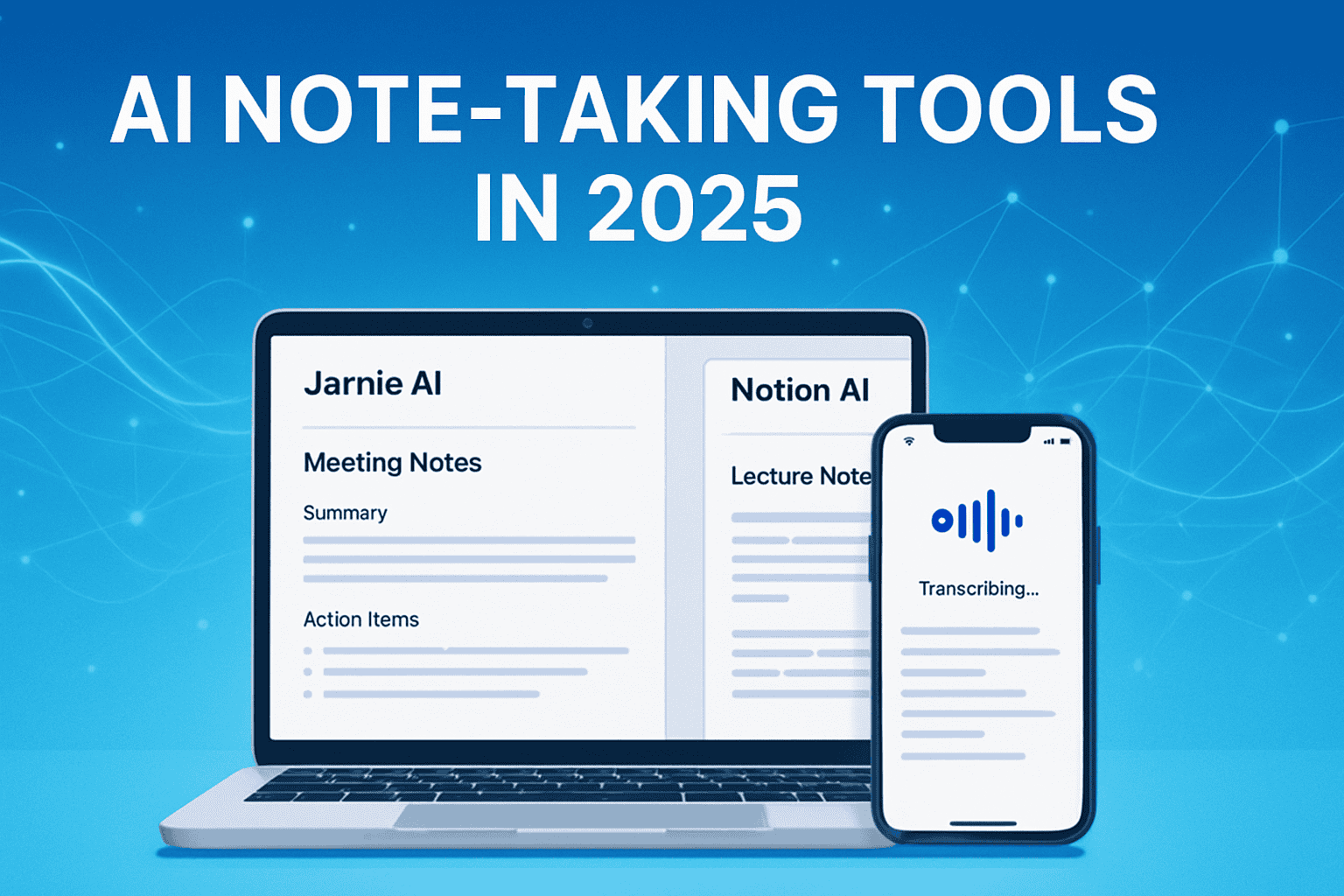
In 2025, the AI note-taking market is transforming how we capture, organize, and synthesize information. This interactive report breaks down the key players, features, and trends shaping this dynamic landscape.
The adoption of AI-enhanced tools is skyrocketing, with the note-taking app market projected to grow by over 16% in a single year. This growth reflects a fundamental shift towards smarter, more efficient workflows for both individuals and organizations.
Modern AI note-takers are more than just digital notepads. Their power lies in three core capabilities that automate and enhance the entire information lifecycle. Explore the features that set these tools apart.
Automatically convert speech to text in real-time or from recordings. AI then condenses hours of content into concise summaries, key takeaways, and actionable items.
Go beyond folders and tags. AI semantically understands your notes, automatically linking related concepts to build a “second brain” and reveal hidden connections between ideas.
Interact with your knowledge base through conversational AI. Ask questions about past meetings, generate content based on your notes, and get customized insights on demand.
The best tool depends on your unique needs. Select a persona below to see tailored recommendations and explore detailed comparisons of the top platforms in 2025.
Pricing models have evolved, with free tiers often serving as a gateway to powerful paid features. Compare the monthly costs of top tools and use the toggle to see the savings with annual billing.
How your data is handled is a crucial factor. The market is divided between cloud-based services that offer convenience and local-first apps that provide maximum privacy. Understand the difference to make an informed decision.
Data is processed and stored on the company’s servers. These services typically offer seamless multi-device sync and collaboration but require trust in the provider’s security measures (e.g., SOC 2, GDPR compliance).
Examples: Fireflies.ai, Otter.ai, Notion
Data is stored directly on your device, giving you complete control and ownership. This approach is ideal for sensitive or confidential information, though collaboration and syncing may require extra steps.
Examples: Obsidian, Granola
The optimal AI note-taking tool is not a universal solution but a personal or team-specific choice. The analysis reveals a shift from simple note-taking to building long-term, interconnected knowledge bases. The ultimate value lies in the ability to revisit, connect, and derive new meaning from your work over time.
| User Persona | Recommended Tools | Primary Rationale |
|---|---|---|
| 🎓 The Student | Otter.ai, Google Keep, Notion, Mem, Evernote | A mix of free transcription tools (Otter.ai), quick capture (Keep), and powerful organizers (Notion, Mem, Evernote) for research and projects. |
| 👤 The Solo Professional | Krisp AI, Granola, Personal AI | Focus on privacy and security with bot-free (Krisp) and local-first (Granola) options, or build a unique personal knowledge base (Personal AI). |
| 🏢 The Corporate Team | Fireflies.ai, Notion, Tactiq | Tools that prioritize high-accuracy transcription, deep integrations with other business software, and collaborative workspaces. |
| 🎨 The Researcher/Creative | Obsidian, Mem, Personal AI, Evernote | Platforms designed for building an interconnected “second brain,” offering data ownership (Obsidian), automatic linking (Mem), and powerful search (Evernote). |
For beginners, Otter.ai’s free tier is excellent for trying real-time transcription. Fireflies.ai and Krisp AI also offer generous free plans for meeting notes. For general organization, Notion’s free plan is powerful, though its AI features are a limited trial.
Privacy approaches vary. Cloud-based tools like Fireflies.ai use security certifications (SOC 2, GDPR). Privacy-first tools like Granola and Obsidian process and store all your data locally on your own device, ensuring no third-party ever has access to it.
They don’t fully replace traditional methods but powerfully augment them. AI handles the tedious work of transcription and initial organization, freeing you to focus on critical thinking, asking questions, and synthesizing ideas during a meeting or lecture, rather than just capturing raw information.
Prices and features mentioned are accurate as of the date of publication. Always check the official provider website for the most current pricing and availability.




